


How to train your AI Chatbot on Google Sheet? #
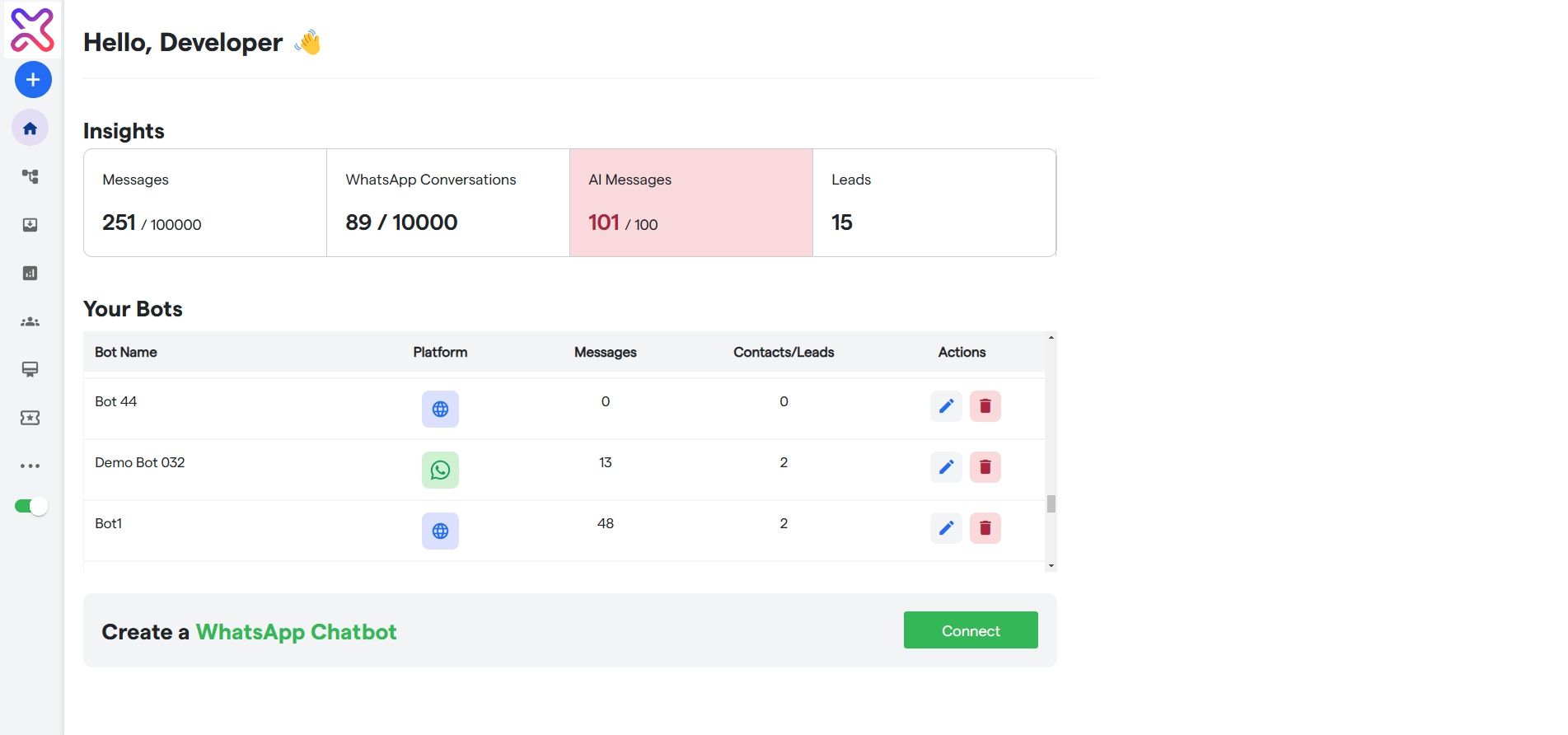
- Log into your Flowmatix, and choose the bot you wish to train.
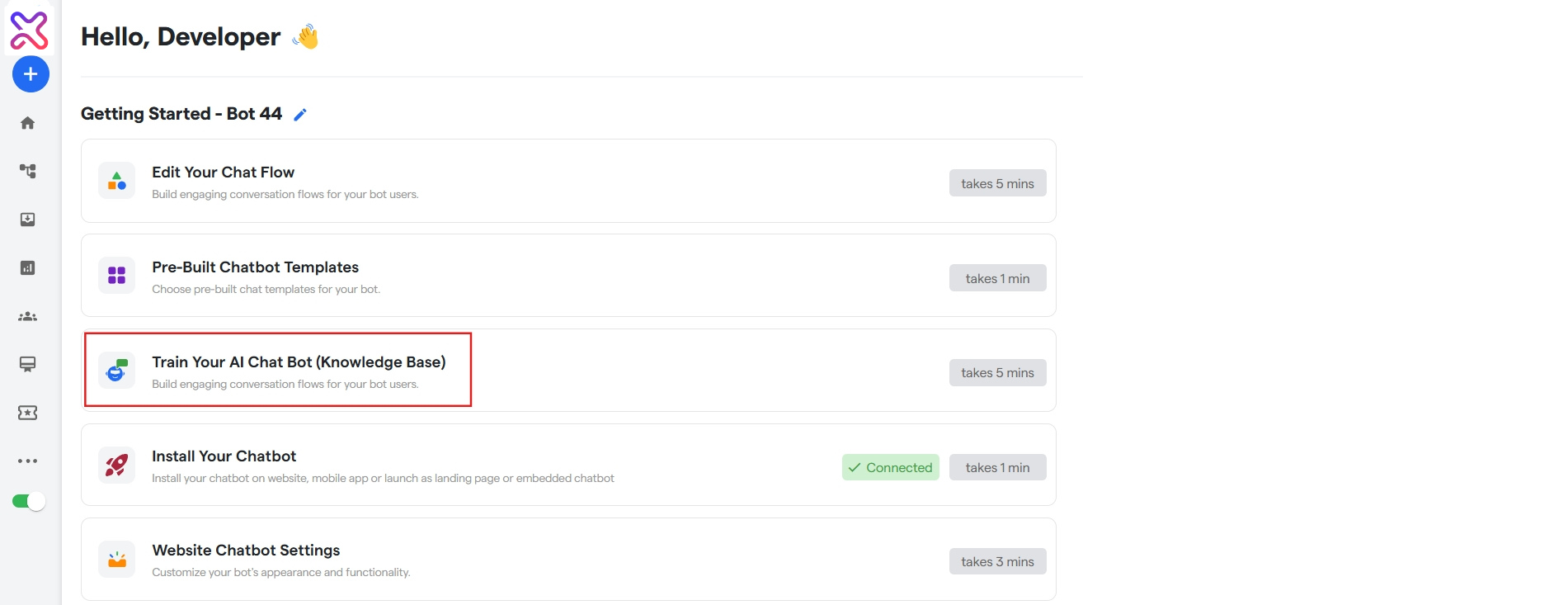
- Click on “Train Your AI Chat Bot” and start training your AI Chat Bot.
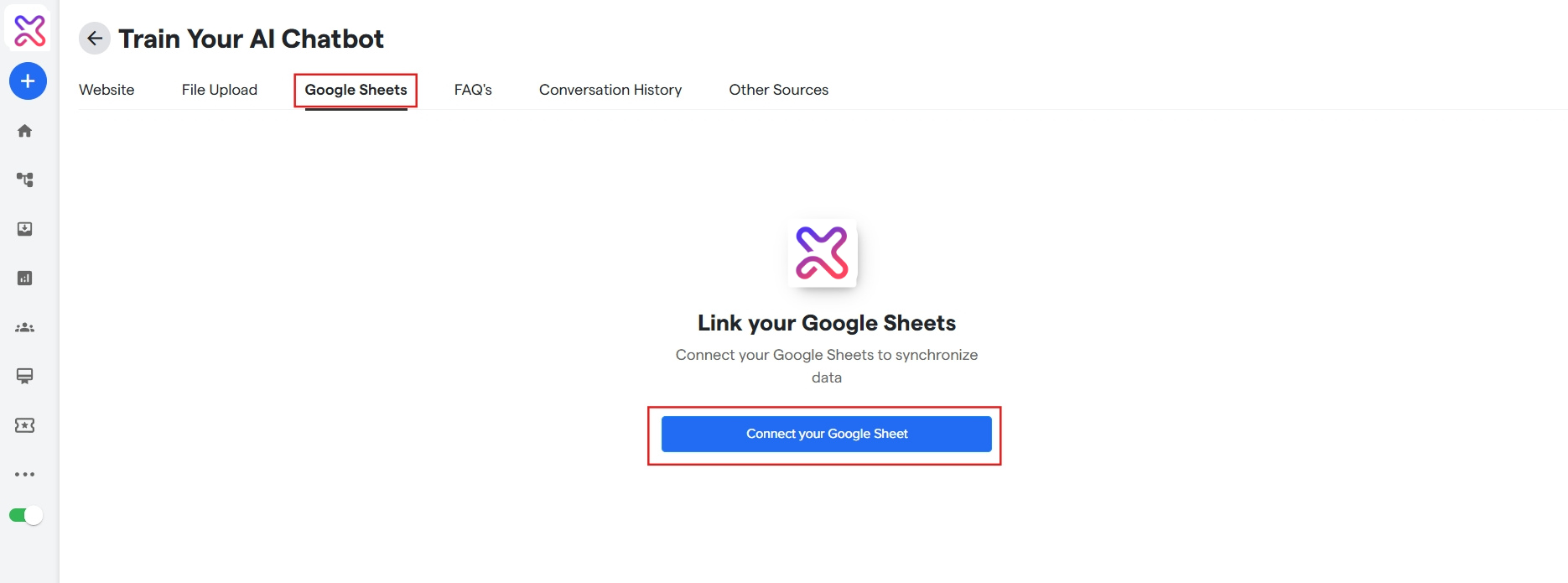
- Click on the “Google Sheet‘ tab to train on sheets.
- Click on “Connect your Google Sheet” to add the sheet according to which you want to train your AI Chat Bot.
You may be redirected to the third party integrations page. Sign into your google account and then go back to the “Google Sheets” tab. Click on the “Connect your Google Sheet” again.
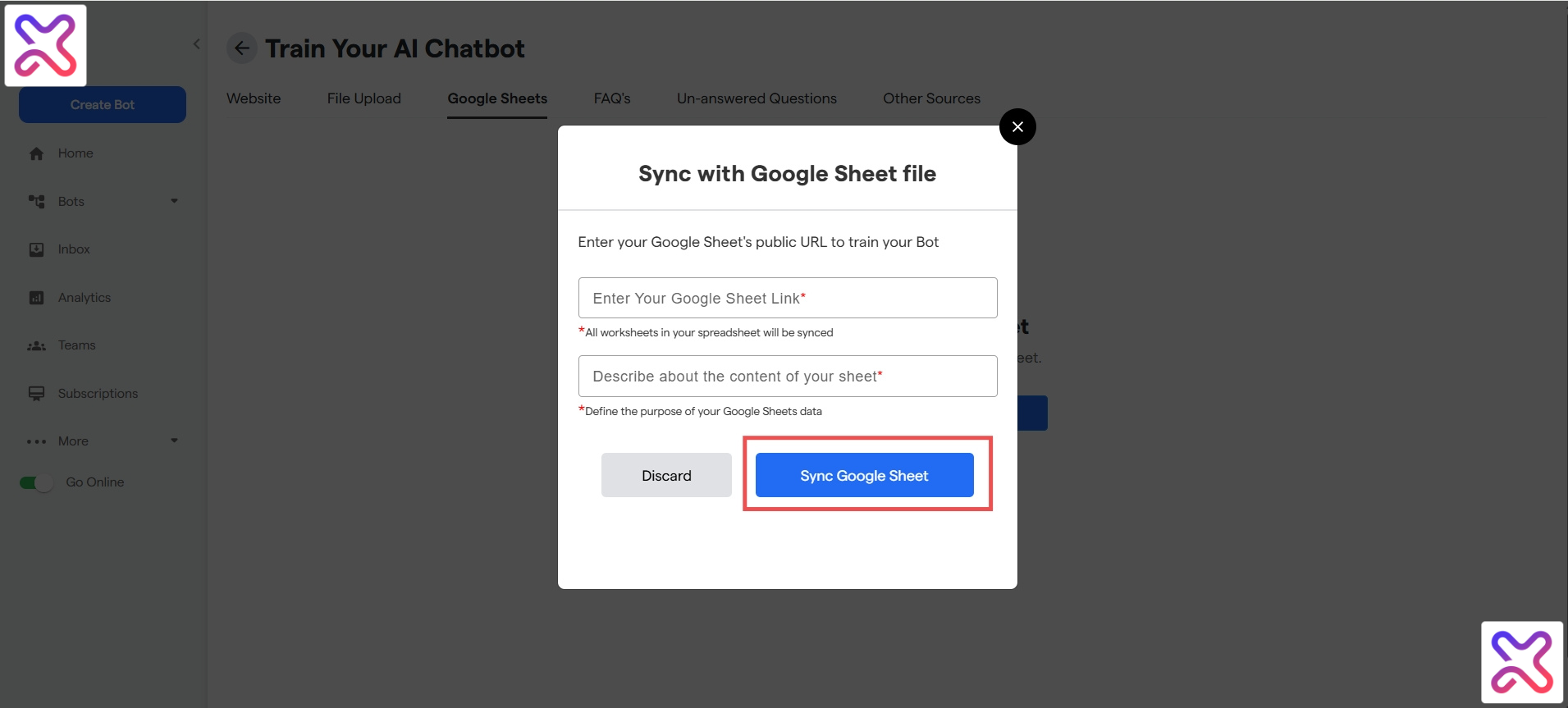
- Add your Google Sheet URL and describe the content or purpose of this Google sheet.
- Click on “Sync Google Sheets”.
Congratulations! You have just added a google sheet! The training for the current sheet should have started, and you can add more sheets using the “Sync Google Sheet” button on the top left corner.