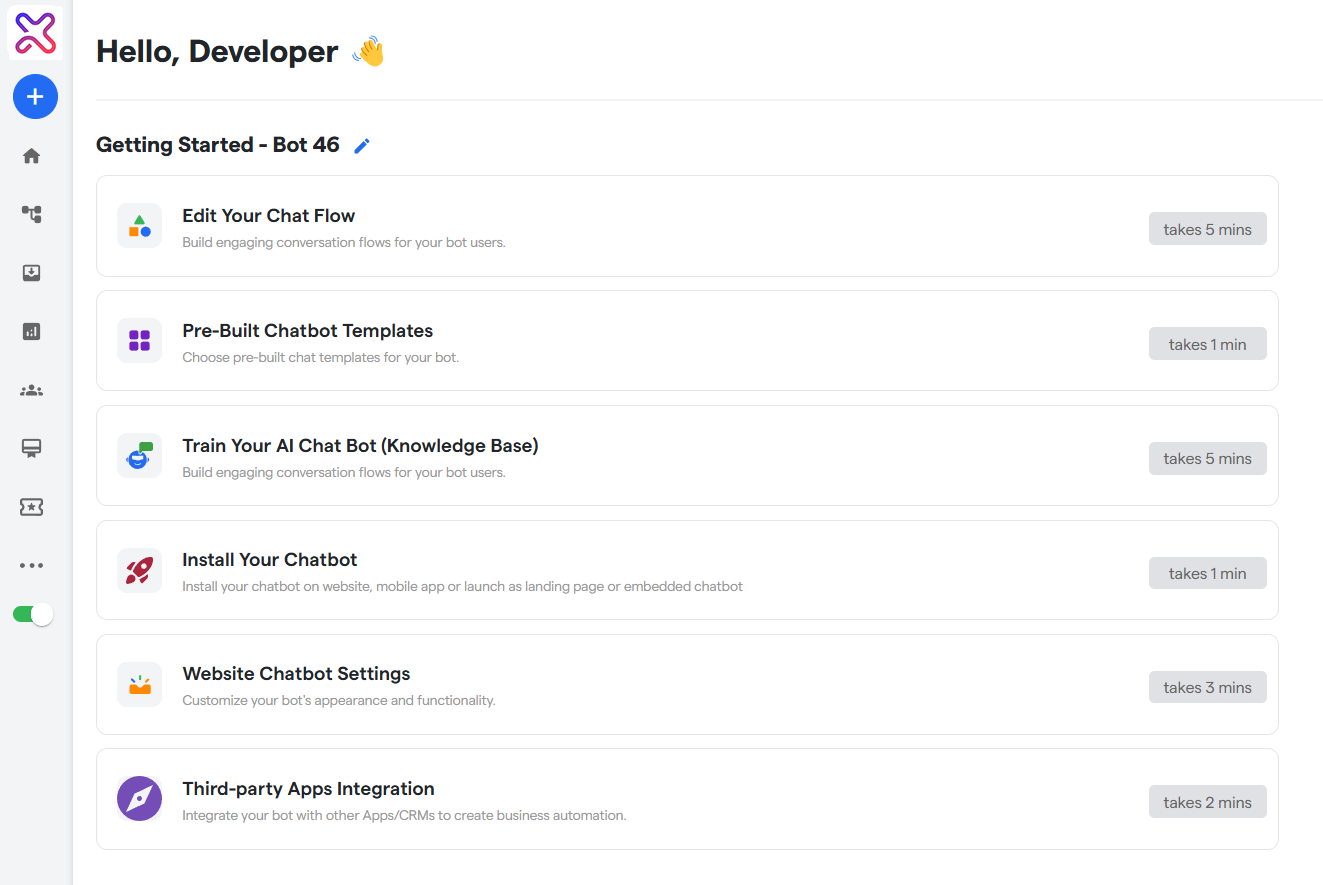
This guide will walk you through the steps to create your Website chatbot.
What is a Website Chatbot: #
A website chatbot on Flowmatix is an AI-powered virtual assistant embedded directly into your website to engage visitors in real-time. It helps automate customer interactions, answer queries, collect leads, and guide users through your offerings – all without human intervention. Designed to work 24/7, the Flowmatix website chatbot ensures consistent support, boosts user engagement, and enhances customer satisfaction by delivering personalized, instant responses.
Benefits of a Website Chatbot #
- 24/7 Customer Support: Engage and assist website visitors round the clock without any manual intervention.
- Lead Generation & Qualification: Automatically capture visitor details and qualify leads through intelligent questioning.
- Instant Response Time: Reduce wait times and improve user satisfaction with real-time answers.
- Cost Efficiency: Minimize the need for large support teams by automating repetitive customer interactions.
Steps to Make a Website Chatbot #
1- To create your Website chatbot , you first need to visit the Flowmatix Dashboard: https://app.flowmatix.ai
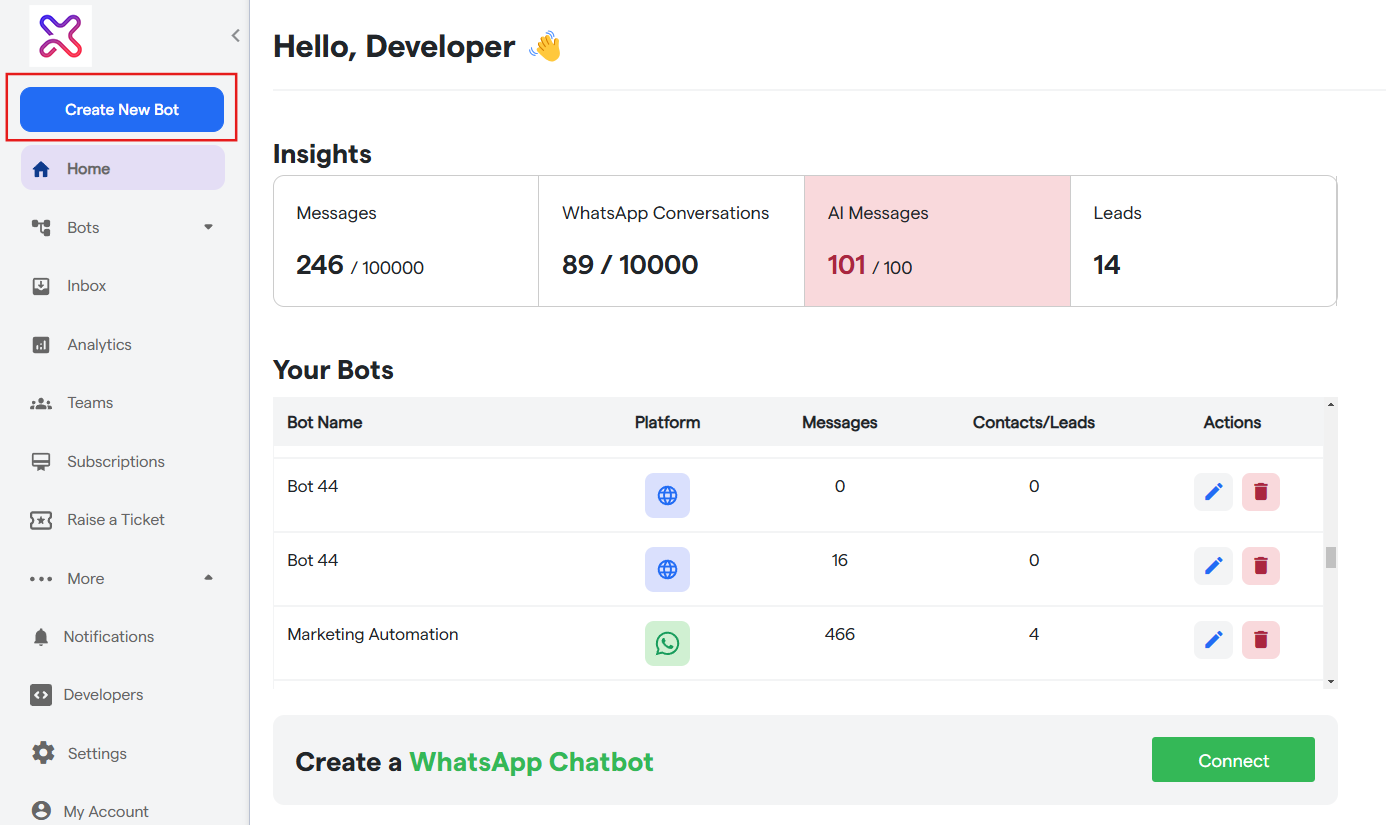
2- To start creating your new chatbot, click “Create New Bot.”
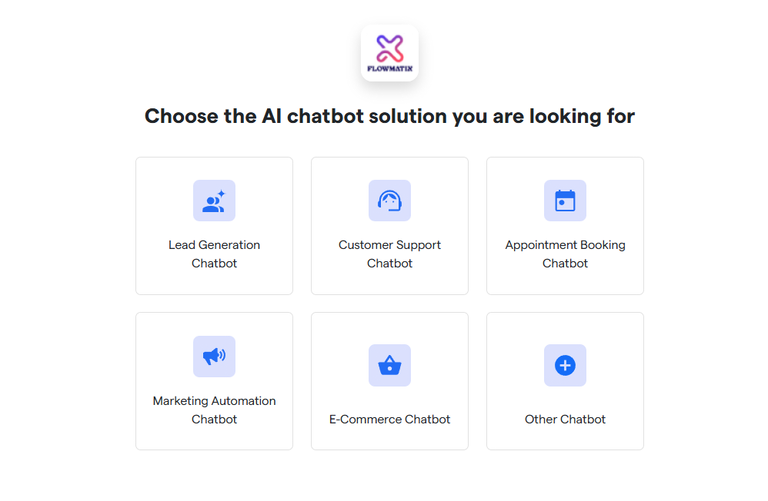
3- Select the primary purpose for creating your bot and proceed further.
4- Select the platform: “Website Chatbot”
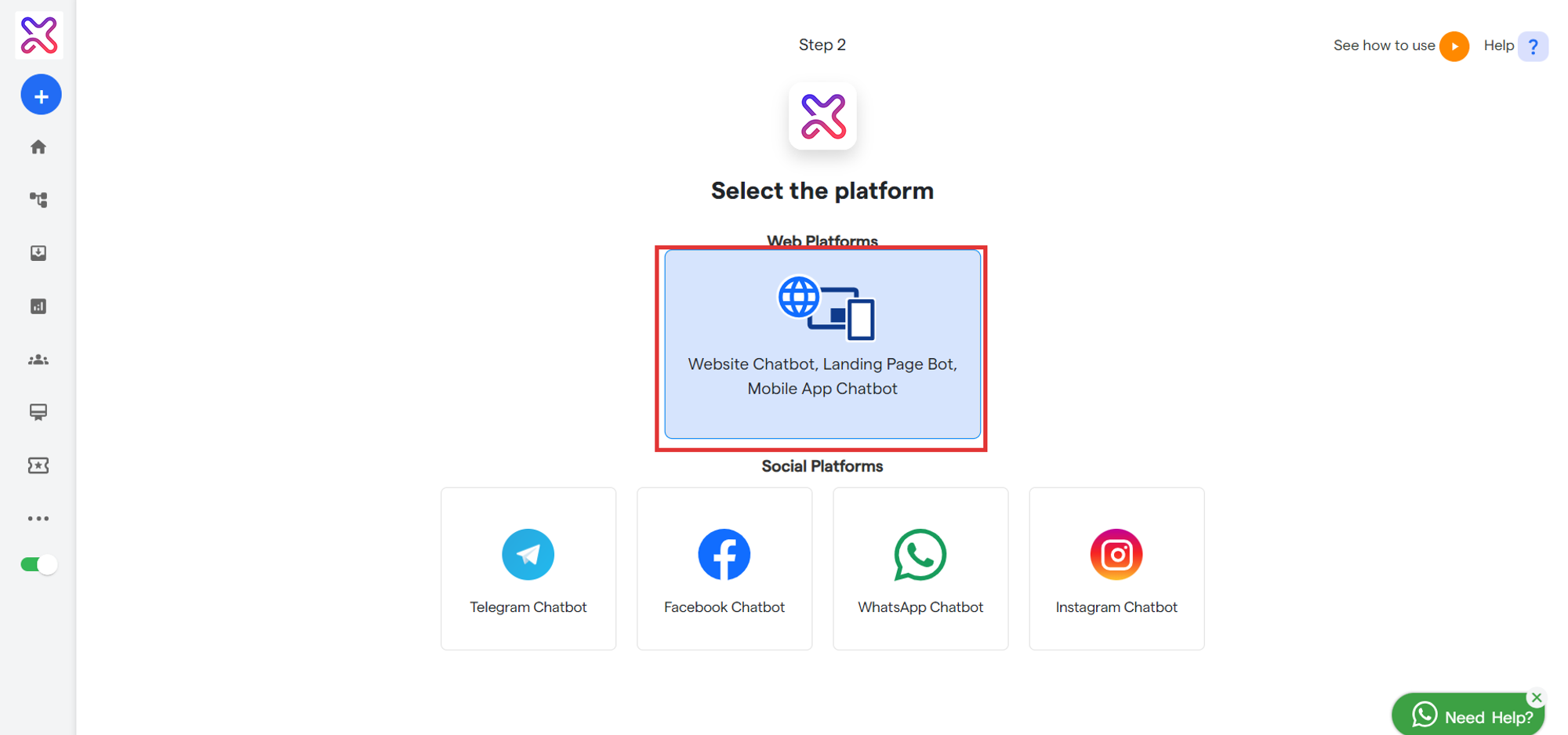
5- You will see a notification: “Bot has been successfully created.”
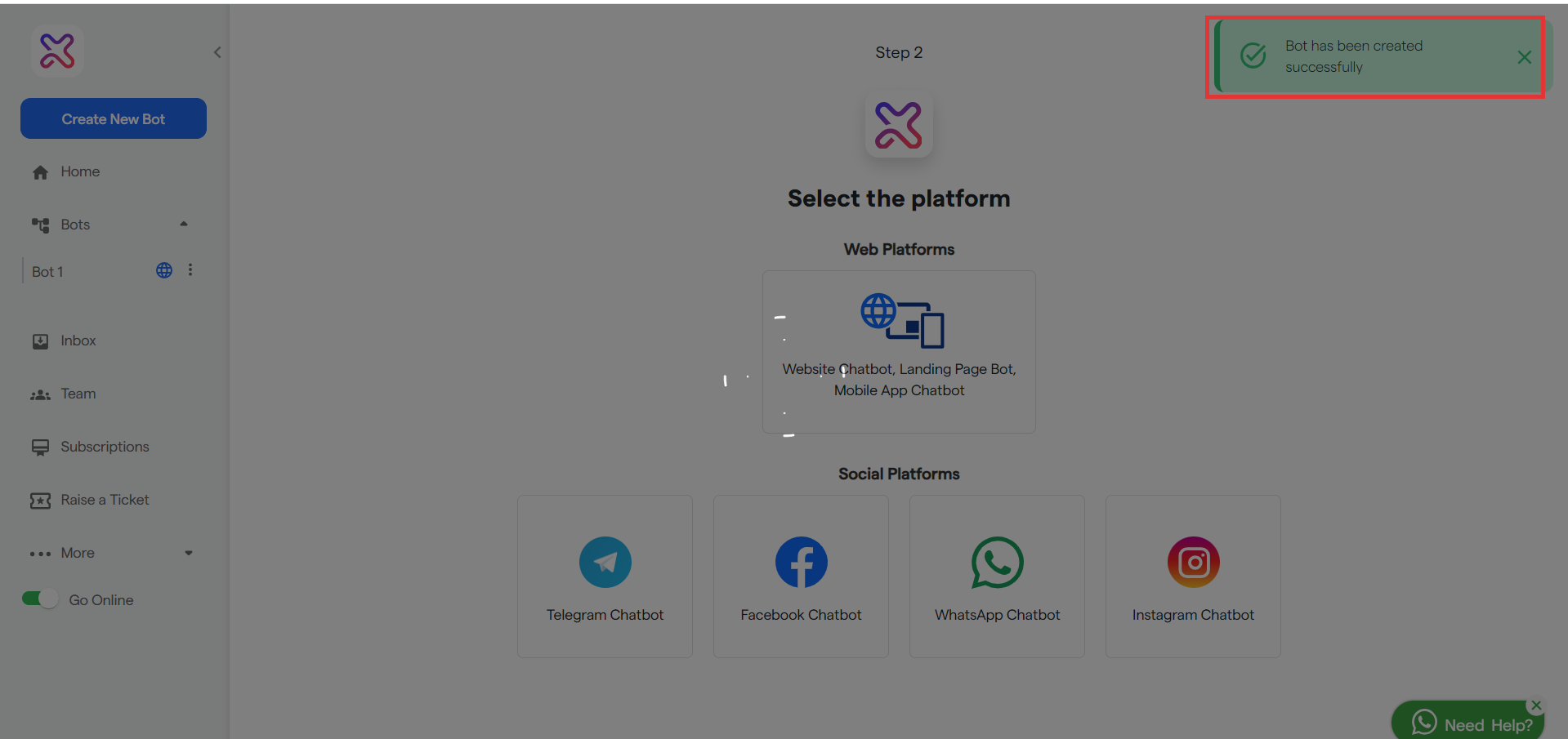
6- Your bot has been successfully created. Then you will land up on this page, now you can configure your bot: